Choosing the Right WaveLine® Monolith Display Configuration for Your Event
Updated: 09 January 2026
Introduction
Choosing the right WaveLine® Monolith display affects visibility, logistics, and brand impact. Consequently, you need a configuration that performs from load-in to breakdown. This guide concentrates on product details, practical steps, and decisions that turn a good design on paper into a reliable booth asset on the show floor.
General Information
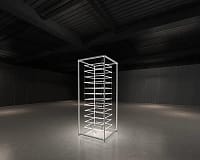
WaveLine® Monolith displays are modular fabric-frame systems built for clarity and presence. They are designed to integrate with counters, demo units, and seating areas. Therefore, you can adapt them to small island spaces or tighter inline booths while maintaining a professional presentation. To compare sizes, configurations, and accessories, browse the WaveLine® Monolith Displays UK.
Specifications
When you evaluate configurations, start by measuring venue constraints and storage limitations. In addition, check these typical specifications to match the product to your needs:
- Standard heights and widths available for sightline control
- Interlocking frame components for repeatable alignment
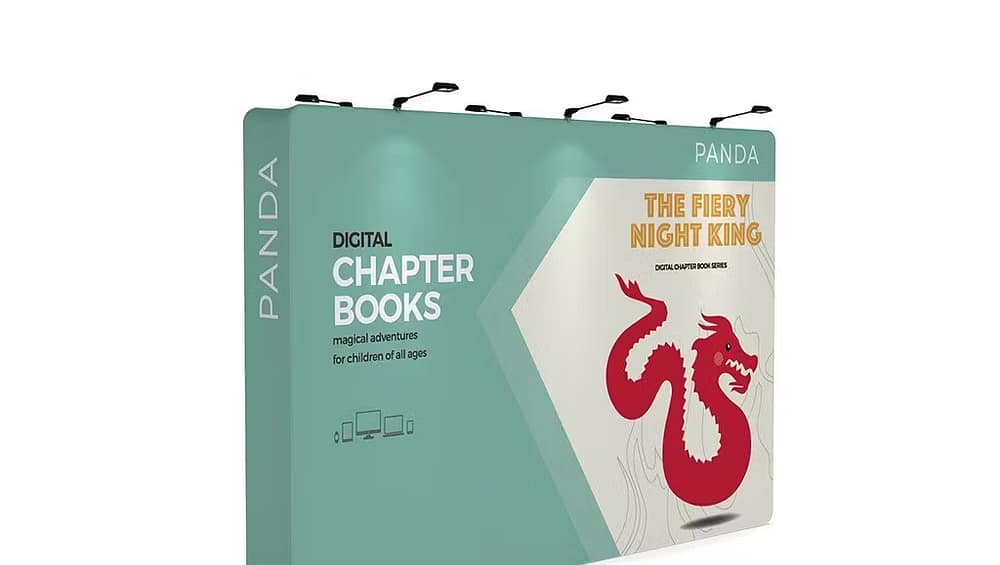
- Removable fabric graphics with edge tensioning for a smooth face
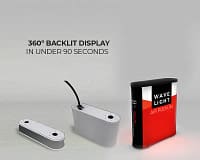
- Optional bases and internal lighting for upgraded visibility
Product Highlights
The Monolith series emphasizes quick assembly and consistent visuals. First, frames lock into place for secure builds. Second, fabric graphics slip on and tension to produce a wrinkle-free front. Third, modular panels let you scale up or down according to aisle sightlines. As a result, you reduce setup time and maintain a high-quality appearance across shows.
Design and Material Quality
Design choices focus on durability and repeat use. For example, powder-coated aluminum frames resist scuffs, while high-density bases stabilize tall panels. Moreover, the fabric is dye-sublimated for vibrant, long-lasting color. Consequently, you get repeatable brand presentation with minimal on-site maintenance.
Portability and Storage
Portability is central to event planning. First, components break down to compact cases that fit standard storage racks. Second, label each case and component to speed up handoffs between team members. Finally, separate fabric graphics from hardware in packing to protect print quality. Therefore, you lower damage risk and shorten load-in windows.
Setup Process and Best Practices
Follow a staged build to save time and avoid re-handling. First, assemble bases and confirm the structure is level. Next, connect frames and check alignment before applying graphics. Then, allow a minute for final alignment and tensioning so the fabric sits smooth. Additionally, perform a final wipe-down and step back to confirm legibility from the aisle. These steps make the process predictable for small teams and tight build slots.
Use Cases and Final Notes
WaveLine® Monolith displays work well for product launches, demo zones, and brand islands. For example, a taller monolith increases sightline from the back of the hall, while a shorter run keeps messaging readable at close range. Furthermore, combining multiple monolith panels creates a step-back backdrop that frames demo stations and seating. When you standardise setup, pack-down, and graphic refresh routines, you reduce stress and protect brand consistency.
In conclusion, select the configuration that balances visibility, transport, and team resources. By planning measurements, labelling parts, and following a repeatable setup process, your monolith display becomes a dependable element of every event. Ultimately, the right WaveLine® Monolith configuration delivers consistent impact while saving time and effort on site.